
Meta Description: Worried about losing your website data? Discover the 12 best WordPress backup plugins to keep your site safe. Our guide helps you choose the right one for you.
Running a WordPress website is a lot like taking care of a house. You put so much effort into making it look great and work perfectly, but unexpected things can happen. A server could crash, a plugin update might go wrong, or worse, a security breach could occur. Without a safety net, all your hard work—your content, customer data, and design—could vanish in an instant. That’s a scary thought, isn’t it?
This is where a reliable backup strategy comes in. It’s not just a technical chore; it's your website’s insurance policy. A good backup gives you the peace of mind to recover quickly from any disaster with minimal fuss.
In this guide, we'll walk you through the best WordPress backup plugins available today. We’ll look at top choices like UpdraftPlus, Jetpack VaultPress, and Duplicator Pro, breaking down what makes each one special. We won't just list features; we'll explain who each plugin is best for, from small blogs to busy online stores. Let’s find the perfect tool to protect your website’s future, together.
1. UpdraftPlus
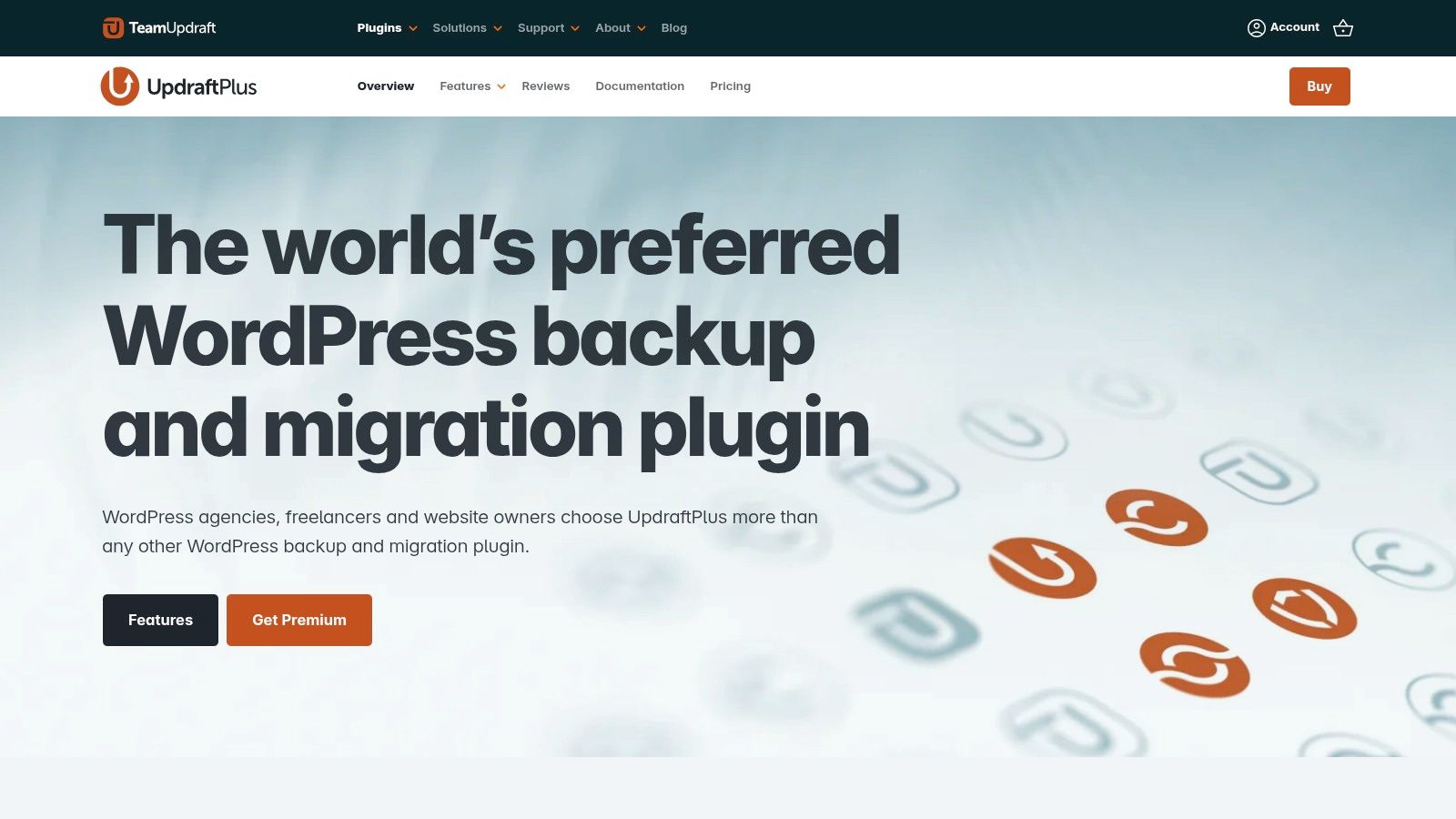
With over three million active installations, UpdraftPlus is a crowd favourite in the WordPress world, and for good reason. It’s known for being incredibly reliable and is actively developed by a dedicated team. The best part? Its free version is packed with features that other plugins often charge for, like scheduling automatic backups and sending them to remote storage like Dropbox, Google Drive, or Amazon S3.
Why It’s a Great Choice
UpdraftPlus strikes a wonderful balance between being easy for beginners and powerful enough for experts. Restoring your site is as simple as a single click, which takes a lot of stress out of a crisis. If you need more, UpdraftPlus Premium offers advanced tools like incremental backups (which only save recent changes, saving resources), site cloning, and priority support. This mix of a generous free plan and powerful paid features makes UpdraftPlus one of the best WordPress backup plugins for almost anyone.
- Best for: Small business owners and bloggers who need a dependable, set-it-and-forget-it solution that won’t cost a thing to get started.
- Pricing: A fantastic free version is available. Premium plans start from around £56 per year.
- Good to know: Features like multi-site support and database encryption are part of the premium version.
2. Jetpack VaultPress Backup (Automattic)
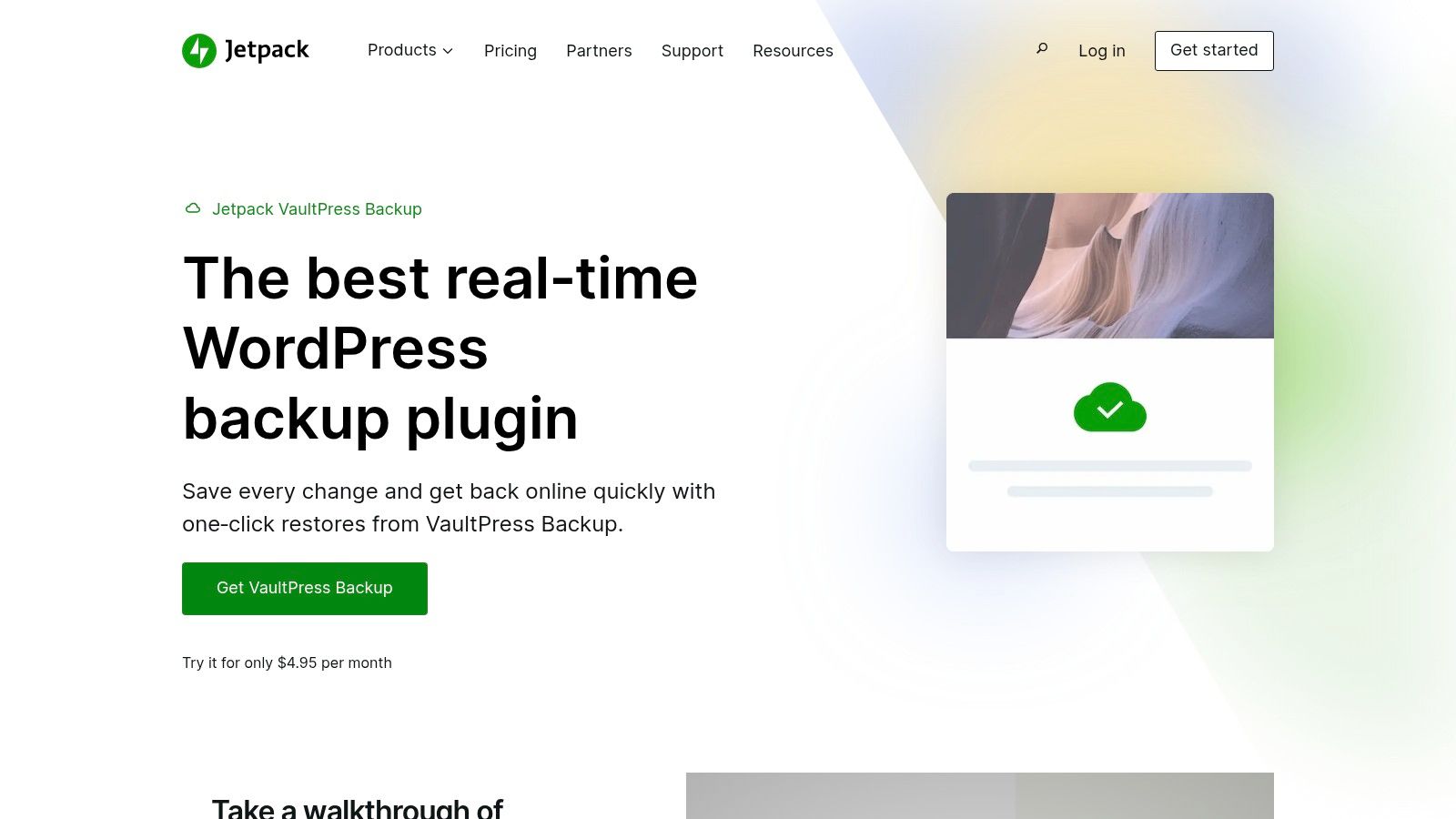
Jetpack VaultPress Backup comes from Automattic, the same company behind WordPress.com, so you know it’s built to work seamlessly with your site. Its biggest advantage is that it provides real-time backups. This means every change, every sale, and every new comment is saved as it happens. Your backups are stored on Automattic’s servers, completely separate from your own hosting, which adds an excellent layer of security.
Why It’s a Great Choice
Jetpack VaultPress Backup is designed for pure simplicity. Restoring your site is incredibly straightforward, and an activity log shows you a clear history of all changes, making it easy to find the exact point you want to restore to. While you can buy it on its own, it’s an especially good deal when included in the Jetpack Security plan, which also adds malware scanning. This makes it one of the best WordPress backup plugins for anyone who loves an all-in-one system for security and backups.
- Best for: WooCommerce store owners and business websites that need effortless, real-time cloud backups to protect every transaction.
- Pricing: Backup-only plans start from around £4.77 per month (billed annually).
- Good to know: The starting plan comes with 10 GB of storage. For full security features like malware scanning, you'll need to upgrade to a bundled plan.
Visit Jetpack VaultPress Backup
3. Duplicator Pro
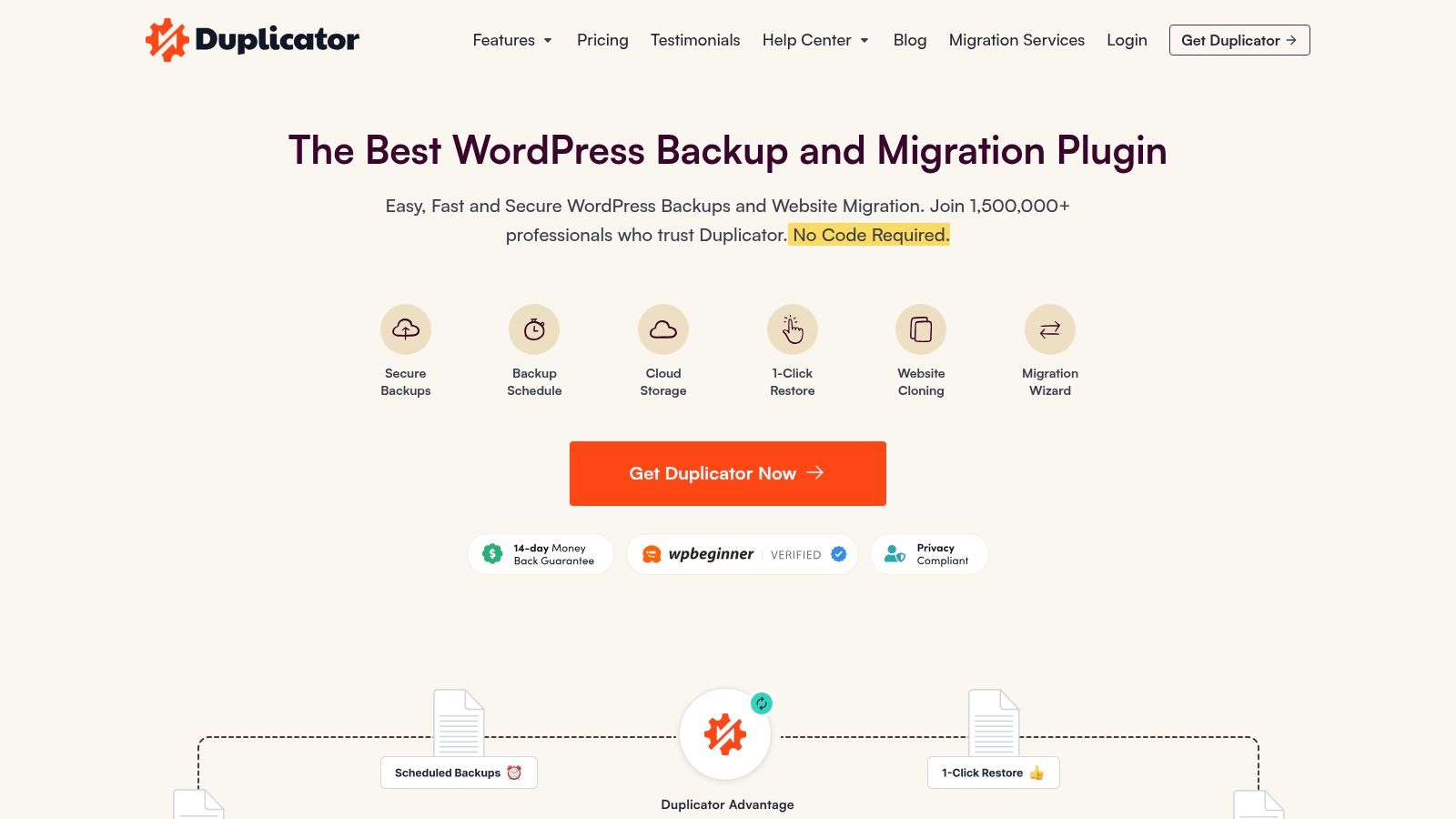
While many plugins handle backups well, Duplicator Pro shines brightest when it comes to moving or cloning a website. It takes the often-tricky process of migrating a site to a new host or domain and makes it remarkably simple. The Pro version turns it from a manual migration tool into a complete backup solution, with automated scheduling and direct saving to cloud storage like Dropbox, Google Drive, and Amazon S3.
Why It’s a Great Choice
Duplicator Pro’s magic lies in how it packages your entire site—files, database, and all—into a single archive that’s easy to move. For developers and agencies, this is a huge timesaver. Features like server-to-server imports and quick recovery points are perfect for creating test sites or rolling back changes. This focus on cloning and migration makes it one of the best WordPress backup plugins for anyone who frequently builds, moves, or duplicates websites.
- Best for: Developers and agencies who regularly migrate or clone websites for clients.
- Pricing: No free version for scheduled backups. Pro plans start from around $49.50 per year.
- Good to know: The free version is a great manual migration tool, but the automated backup features are what make the Pro version worth it.
4. BlogVault
BlogVault is more than just a plugin; it's a full backup service (SaaS, or Software as a Service). This means all your backups are handled on BlogVault's own secure servers, completely separate from your website's hosting. This is a huge plus for security—if your server goes down, your backups are safe and sound elsewhere. It's a robust, hands-off solution designed for busy sites and agencies that can't afford any downtime.

Why It’s a Great Choice
One of BlogVault's standout features is its built-in staging environment. With one click, you can create a private copy of your live site to safely test updates, new plugins, or design tweaks without breaking anything. Higher-level plans also include malware scanning and removal, making it a powerful all-in-one management tool. Its restore process is famously fast and reliable, and its backup method puts minimal strain on your server. Using a managed service like this is a core part of a strong website maintenance and support strategy.
- Best for: Agencies, e-commerce stores, and high-traffic websites needing a premium, all-in-one solution for backups, staging, and security.
- Pricing: Plans start from around $89 per year for one site.
- Good to know: It costs more than a simple plugin, and the best security features are in the higher-priced plans.
5. BackWPup
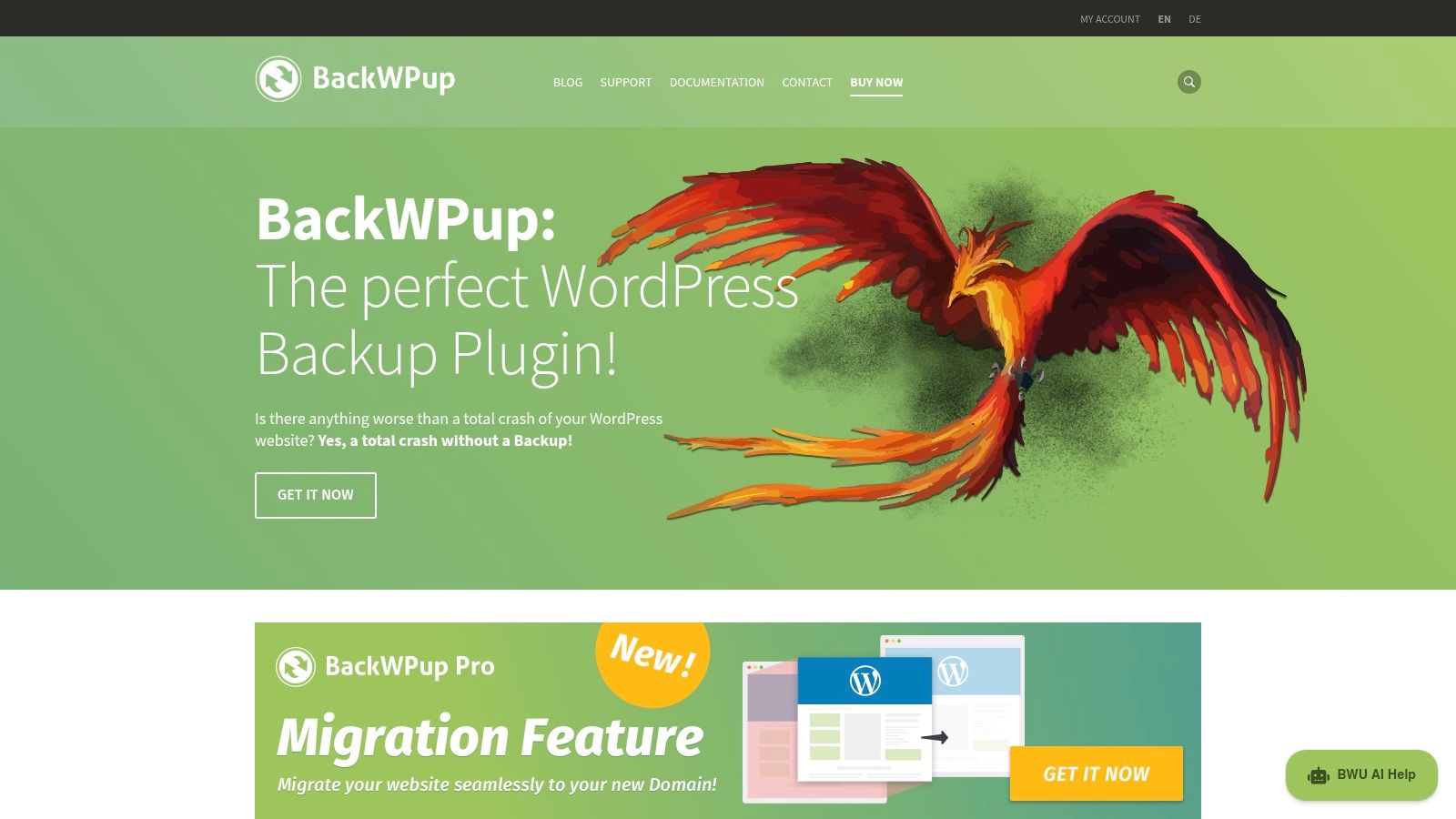
Coming from the respected team behind WP Rocket, BackWPup is a long-standing and reliable backup plugin. It’s been downloaded millions of times and has a strong set of features, especially in its free version. You can schedule full backups of your files and database and send them to various external storage services like Dropbox, Amazon S3, and FTP—a generous offering for a free tool.
Why It’s a Great Choice
BackWPup is great for more technical users who appreciate having lots of settings to fine-tune their backup jobs. While the free version is quite capable, the Pro version unlocks key features like an easy restore app, encrypted backups, and support for more destinations like Google Drive. It’s a dependable choice for those who want more control over their backup process, making it one of the best WordPress backup plugins for developers and power users.
- Best for: Developers and technically skilled users who want detailed control over their backup configurations.
- Pricing: A solid free version is available. Pro plans start from around £59 per year.
- Good to know: The easy restore function is a Pro-only feature, and its detailed settings might feel a bit complex for beginners.
6. WPvivid Backup & Migration
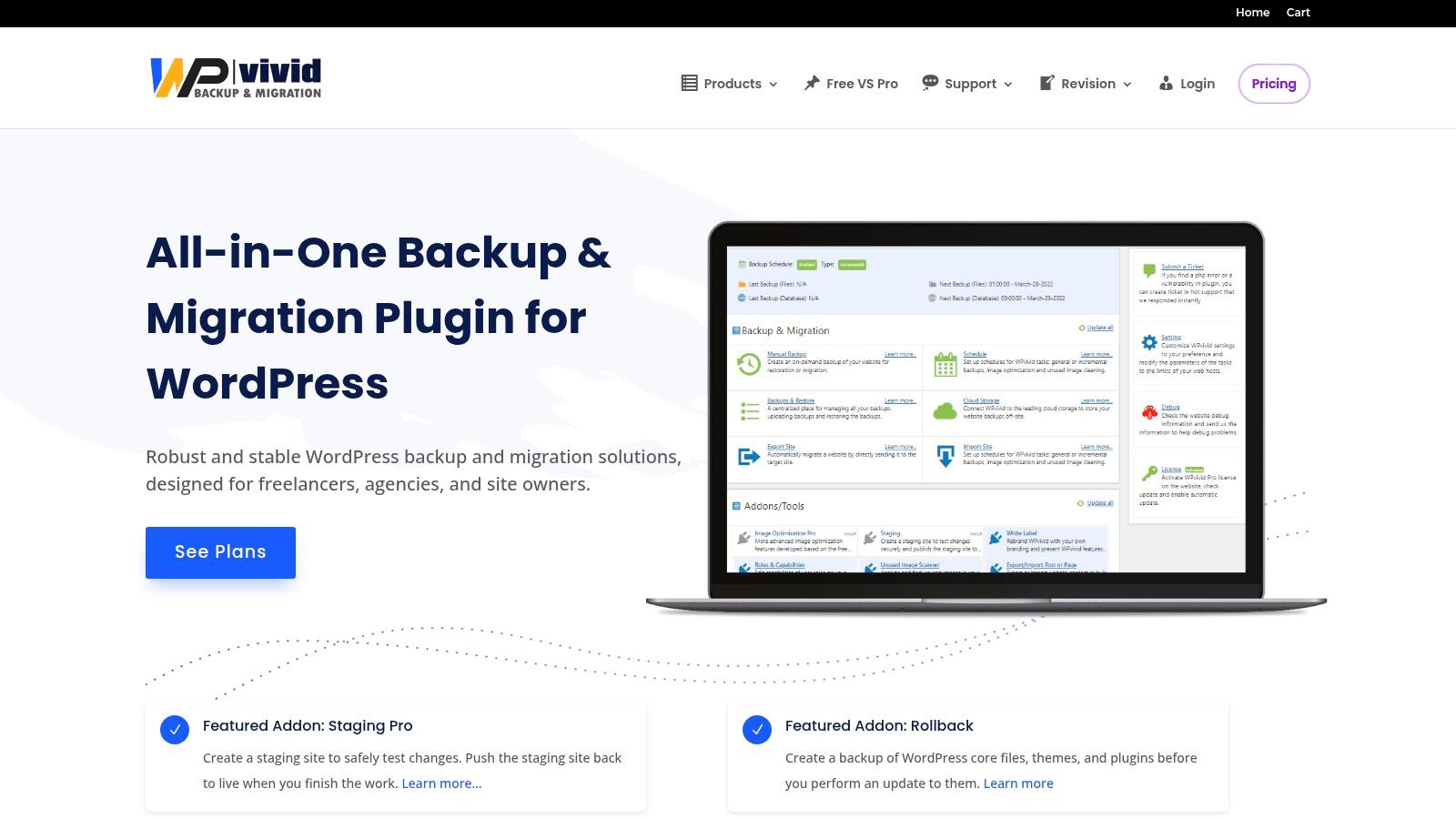
WPvivid has quickly become a popular all-in-one plugin for backups, staging, and migrations. Its free version is surprisingly powerful, letting you schedule backups to many remote storage locations like Dropbox, Google Drive, and Microsoft OneDrive. This is a huge benefit for anyone on a budget. The user interface is clean and modern, making it feel less intimidating for people who are new to managing a website.
Why It’s a Great Choice
WPvivid is especially attractive to agencies and developers because of its advanced pro features. The one-click staging site creation is fantastic for testing changes safely. If you manage client sites, you can even "white-label" the plugin, replacing the WPvivid branding with your own for a professional touch. The Pro version also adds incremental backups and multisite support. Its blend of a strong free offering and advanced premium tools makes it one of the best WordPress backup plugins for users who want a solution that can grow with them.
- Best for: Agencies and developers who need advanced staging, migration, and white-labeling features.
- Pricing: A great free version is available. Premium lifetime plans offer excellent long-term value, starting from around $49.
- Good to know: Key features like incremental backups and the staging environment are only in the Pro version.
7. Solid Backups (formerly BackupBuddy)
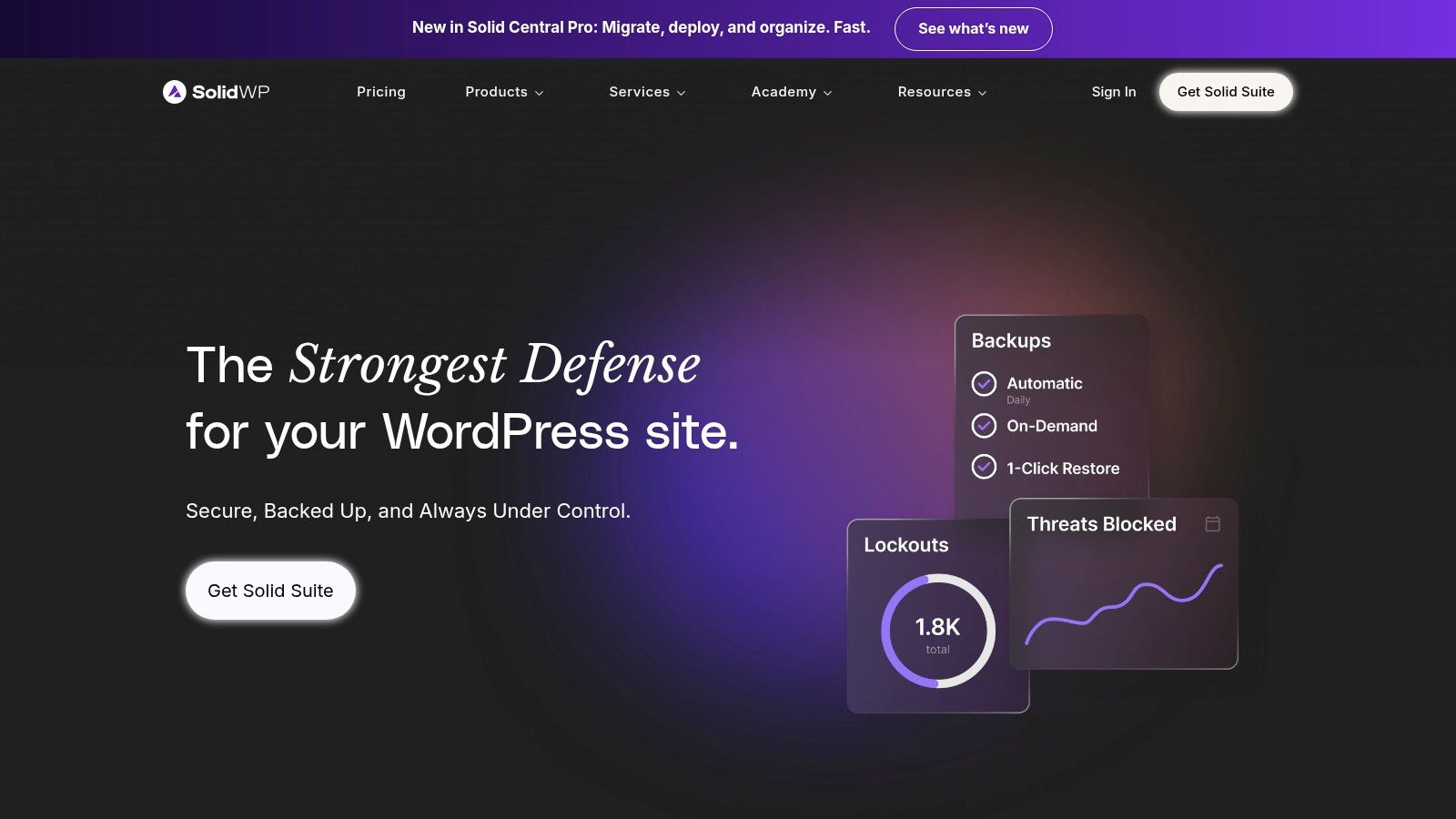
Solid Backups, previously known as the well-respected BackupBuddy, takes a modern, cloud-first approach. Developed by the team at SolidWP, this plugin handles the heavy lifting of backups on its own cloud infrastructure, which means less strain on your website's server. This is a huge advantage if you're on shared hosting or have a site where performance is critical.
Why It’s a Great Choice
Solid Backups is built for professionals managing multiple client sites. From the Solid Central dashboard, you can oversee backups, restores, and migrations for all your connected sites in one place. It uses daily incremental backups to save only what’s changed, which is faster and saves storage space. With features like one-click restores and excellent support for technical users, Solid Backups is one of the best WordPress backup plugins for those who want powerful, centralized control without slowing down their server.
- Best for: Agencies and developers needing a centralized, low-impact backup solution for multiple client websites.
- Pricing: Included in the Solid Suite, which starts from around $199 per year.
- Good to know: Storage limits apply depending on your plan, and the recent name change from BackupBuddy might be a little confusing at first.
8. All-in-One WP Migration (ServMask)
Best known for its incredible migration capabilities, All-in-One WP Migration also functions as a powerful backup tool through its premium extensions. Its core strength is bundling your entire site—database, media, plugins, and themes—into a single file. This is especially helpful for very large sites, as it cleverly works around upload limits and timeouts from hosting providers that can trip up other plugins.
Why It’s a Great Choice
Its full backup power is unlocked with paid add-ons that allow automated, scheduled backups to over 15 cloud destinations like Google Drive and Dropbox. The restore process is famously simple—often just a drag-and-drop. For developers, it includes WP-CLI support for automating backup and restore tasks. If you often move sites or work with large ones, its backup features are a huge bonus, making it one of the best WordPress backup plugins for complex migrations. You can learn about the complete process of website migration and how tools like this help.
- Best for: Developers and agencies who frequently migrate large or complex websites and also need solid backup functionality.
- Pricing: A free version is available. Premium extensions for backups and cloud storage start from around £80 per year.
- Good to know: The core backup automation and cloud storage features require purchasing separate paid extensions.
9. ManageWP Backups (by GoDaddy)
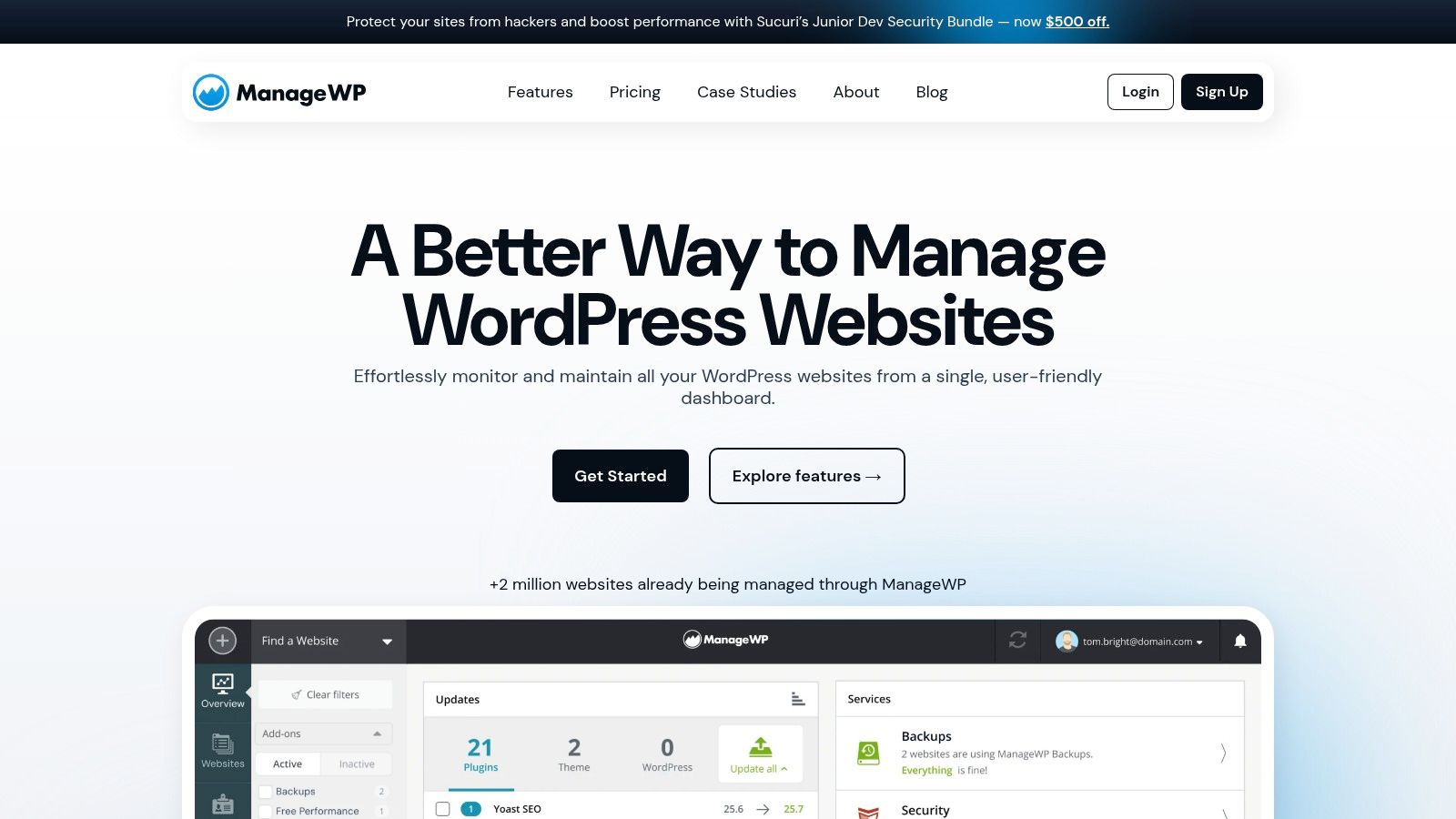
ManageWP is much more than a backup tool; it’s a full dashboard for managing multiple websites, now owned by GoDaddy. It’s designed for freelancers and agencies juggling numerous client sites. The backup feature is a core part of this system, offering a free monthly backup for every site you connect. This centralized approach lets you handle updates, security, performance, and backups for all your projects from one organized place.
Why It’s a Great Choice
The beauty of ManageWP lies in its flexible, pay-per-site model. While monthly backups are free, you can add premium, on-demand backups for your most important clients without buying a big, expensive plan. The premium add-on unlocks more frequent scheduling (down to every hour) and incremental backups. This makes it one of the best WordPress backup plugins for professionals who need to customize their services and billing for each client.
- Best for: Agencies and freelancers managing multiple client websites who want a single, unified dashboard.
- Pricing: Free monthly backups are included. The Premium Backup add-on starts from around £1.60 per site/month.
- Good to know: On-demand backups and cloning/migration require the paid add-on, and backups are kept for 90 days.
10. CodeGuard
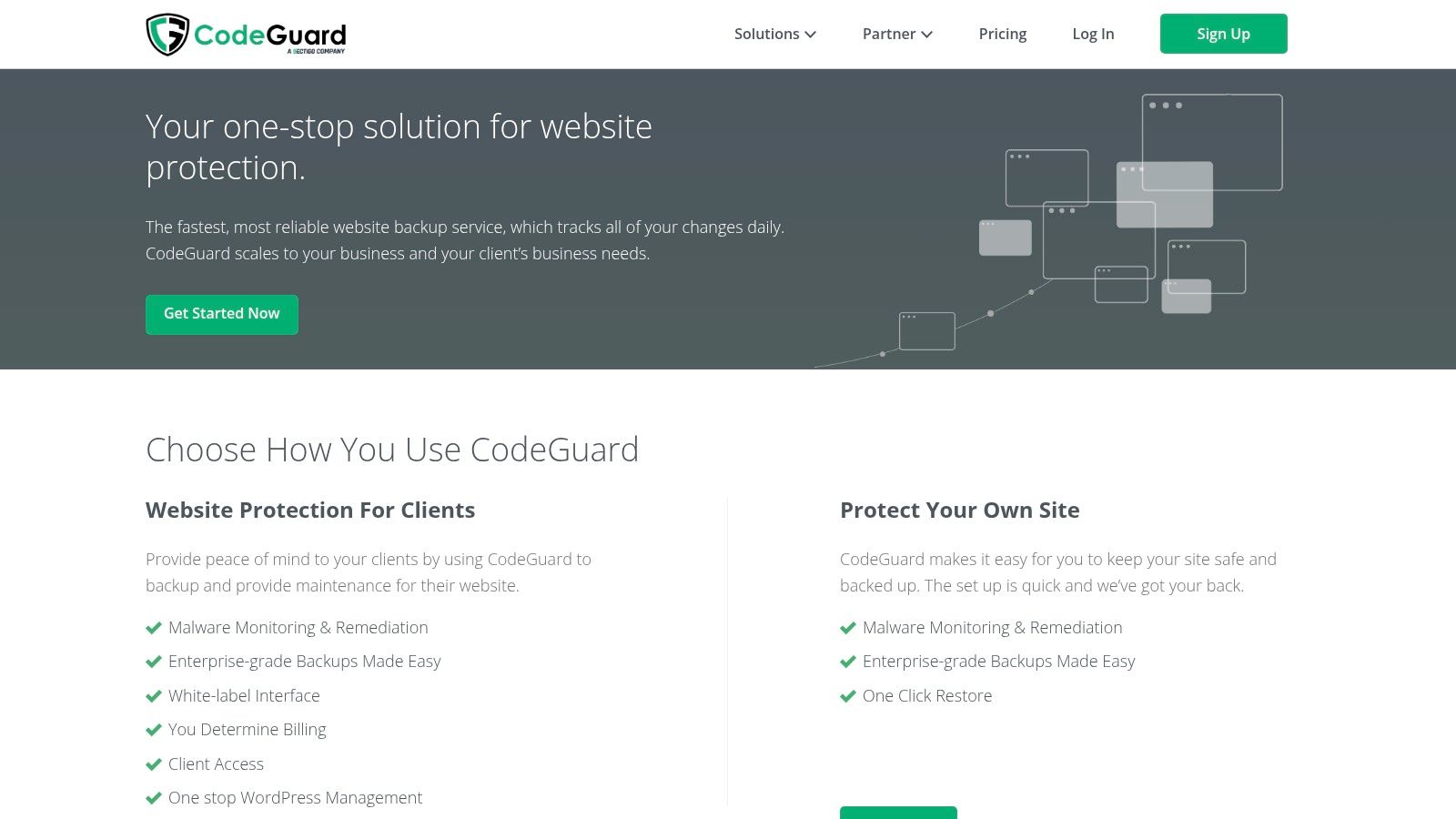
CodeGuard takes a different approach from most plugins. It's a fully hosted backup and security service that connects to your site and manages everything externally. This provides a very robust offsite safety net. Its main appeal is its automated, set-it-and-forget-it nature, combined with powerful features for business owners and agencies who need more than just a place to store files.
Why It’s a Great Choice
The platform performs daily, incremental backups automatically, capturing every change with minimal impact on your server. A standout feature is its "MalwareGone" scanner, which not only finds threats but can also automatically remove them, offering an all-in-one security and recovery solution. For agencies, CodeGuard provides white-label reports, making it a great tool to offer managed website maintenance. This blend of automated offsite backups and proactive security makes it a strong contender among the best WordPress backup plugins for those who want a premium, hands-off service.
- Best for: Agencies and businesses looking for a fully managed, offsite backup and security service with white-label capabilities.
- Pricing: Plans are based on the number of sites and storage, starting from around £4 per month per website.
- Good to know: It's a more expensive option than self-managed plugins, and storage is limited based on your plan.
11. WordPress.org Plugin Directory (Backup Category)
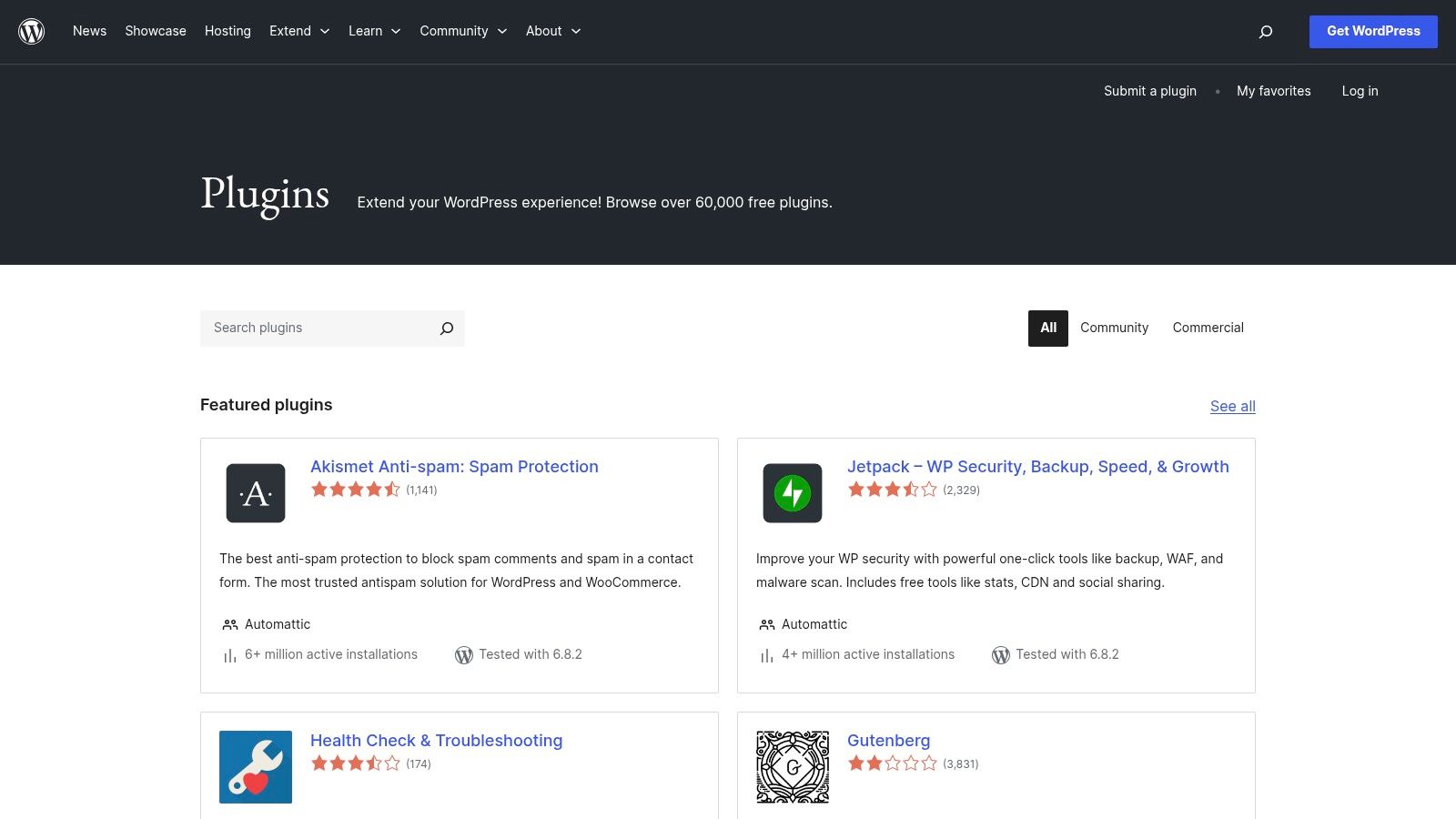
While not a plugin itself, the official WordPress.org Plugin Directory is the best place to start your search. It’s a central hub where you can compare options, read real user reviews, and check important stats like how many people are using a plugin and when it was last updated. This transparency is key to figuring out if a plugin is reliable and well-supported before you install it.
Why It’s a Great Choice
Think of the directory as your research library. You can easily find and install the free versions of powerful tools like UpdraftPlus or BackWPup right from your WordPress dashboard. By checking a plugin's support forum and update history, you can see how actively it’s maintained, which is vital for security. For anyone looking for the best WordPress backup plugins, this repository gives you the honest data you need to make a smart choice.
- Best for: Anyone who wants to research, compare, and test free backup solutions in a transparent, community-driven environment.
- Pricing: All plugins listed have a free version available to download and use.
- Good to know: The quality of plugins can vary a lot, and support for free versions is often handled by the community in forums.
Visit WordPress.org Plugin Directory
12. Envato Market – CodeCanyon
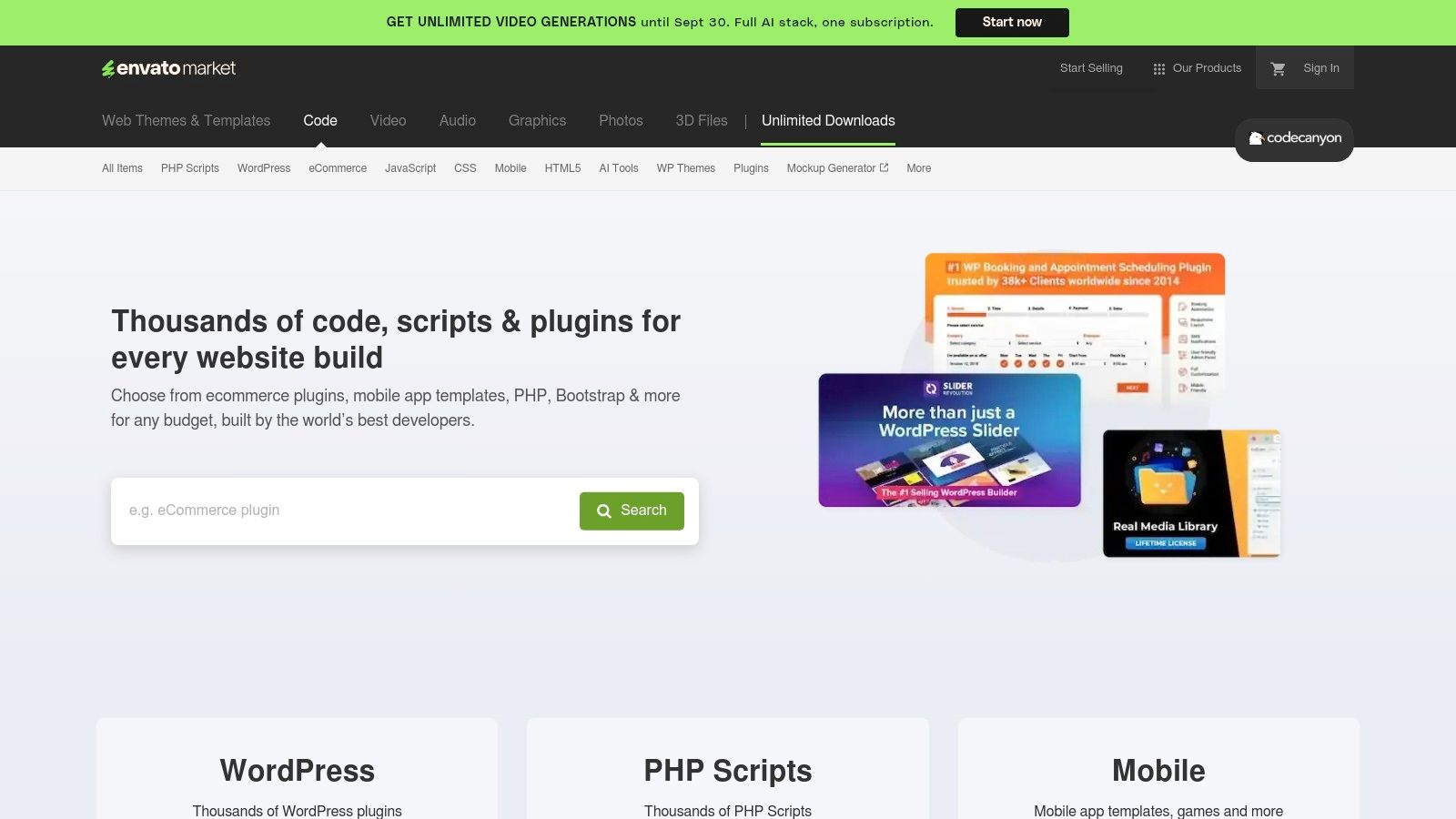
CodeCanyon, part of the Envato Market, is a huge marketplace where you can find a wide variety of premium backup and migration tools. It works on a one-time purchase model, which is great for freelancers and agencies who want to buy a tool for a client without signing up for a subscription. Many popular themes sold on its sister site, ThemeForest, also come bundled with backup plugins from CodeCanyon.
Why It’s a Great Choice
CodeCanyon is the perfect place to find niche tools that solve specific problems, like backing up a complex multisite network. The user reviews and comments on each product page give you real-world feedback on a plugin's reliability and the author's helpfulness. Just be sure to do your homework—check update histories and reviews carefully, as quality can differ from one author to another.
- Best for: Developers and freelancers looking for specialized backup tools or cost-effective, single-purchase licenses.
- Pricing: Varies by plugin, but it's typically a one-off fee that includes 6-12 months of support.
- Good to know: The quality of support and updates depends entirely on the individual author, not Envato.
Visit Envato Market – CodeCanyon
Top 12 WordPress Backup Plugins Comparison
| Product | Core Features / Highlights | User Experience / Quality ★ | Value Proposition 💰 | Target Audience 👥 | Unique Selling Points ✨ |
|---|---|---|---|---|---|
| UpdraftPlus | Incremental & scheduled backups, cloning, remote storage | ★★★★☆ Active development, reliable UI | 💰 Free + Premium, optional vault | 👥 Bloggers, SMEs, developers | ✨ Large user base, versatile storage |
| Jetpack VaultPress Backup | Real-time cloud backups, malware scanning (with Security plan) | ★★★★☆ Easy setup, WooCommerce support | 💰 Subscription, starts with 10GB | 👥 WooCommerce stores, SMBs | ✨ Real-time backup, WordPress.com backing |
| Duplicator Pro | Scheduled backups, migration, server-to-server import | ★★★★☆ User-friendly, Pro features | 💰 Tiered pricing by site count | 👥 Developers, agencies | ✨ Strong migration tools |
| BlogVault | Hourly backups, staging, malware removal | ★★★★★ Reliable, strong support | 💰 Premium pricing, advanced plans | 👥 Agencies, enterprises | ✨ Long retention, staging & firewall |
| BackWPup | Full backups, multiple destinations, restore utility (Pro) | ★★★★☆ Solid free version, frequent updates | 💰 Clear Pro pricing | 👥 Bloggers, SMBs | ✨ Pro restore tool, multiple storages |
| WPvivid Backup & Migration | Cloud backups, staging, incremental backups (Pro) | ★★★★☆ Broad features, lifetime deals | 💰 Competitive lifetime pricing | 👥 Agencies, freelancers | ✨ Agency-focused features, whitelabel |
| Solid Backups (BackupBuddy) | Incremental backups, centralized management, WP-CLI | ★★★★☆ Agency-friendly, cloud-first | 💰 Best via bundle pricing | 👥 Agencies, professionals | ✨ Centralized control, low server impact |
| All-in-One WP Migration | Automated backups (Pro), large site moves, cloud options | ★★★★☆ Reliable, broad cloud support | 💰 Paid extensions required | 👥 Developers, large sites | ✨ Bypass hosting limits |
| ManageWP Backups | Incremental backups, multi-site, EU/US storage | ★★★★☆ Central dashboard, flexible add-ons | 💰 Free monthly backups + addons | 👥 Freelancers, agencies | ✨ Centralized multi-site management |
| CodeGuard | Daily incremental backups, malware scan/removal, white-label reporting | ★★★★☆ Managed offsite, business-grade | 💰 Pricier, scalable plans | 👥 Businesses, agencies | ✨ MalwareGone, client reporting |
| WordPress.org Plugin Directory | Free plugins, reviews, active installs | ★★★☆☆ Community-based support | 💰 Free entry | 👥 All WordPress users | ✨ Transparency, easy plugin access |
| Envato Market – CodeCanyon | Large plugin catalog, licensing, reviews | ★★★☆☆ Varies by author | 💰 One-off purchases | 👥 Freelancers, theme developers | ✨ Extensive plugin variety |
How to Choose the Right Plugin for You
Feeling a bit overwhelmed by all the options? Don't worry. The good news is that the perfect tool for you is definitely on this list. We’ve covered everything from the do-it-all power of UpdraftPlus to the real-time protection of Jetpack and the migration magic of Duplicator Pro. The most important thing to remember is that there’s no single "best" plugin—only the one that’s best for you.
A blogger just starting out might find the free version of WPvivid is all they need. But an agency managing dozens of client sites will love the centralized control offered by tools like BlogVault or ManageWP. The next step is to think about what you truly need.
Key Factors to Consider
Before you install anything, take a moment to ask yourself these questions. Choosing from the best WordPress backup plugins becomes much easier when you know what you’re looking for.
- Budget vs. Features: Are you looking for a great free option, or can you invest in premium features like real-time backups, staging sites, and dedicated support? Your budget is the first filter.
- Ease of Use: How comfortable are you with technology? A simple, one-click restore process, like the one from Jetpack, is a lifesaver if you're not a developer. More advanced tools like Duplicator Pro are powerful but might take longer to learn.
- Performance: How will the plugin affect your site's speed? Tools that use incremental backups, like BlogVault, are designed to put less strain on your server, which is important for e-commerce stores and other busy sites.
- Storage and Security: Where will your backups be saved? Think about the off-site storage options (like Google Drive, Amazon S3, or Dropbox) and how each plugin keeps your data safe.
Ultimately, a backup plan isn't something you set up once and forget about forever. Your chosen plugin is your first and best defence against data loss, security threats, and simple human error. The goal is to put a system in place that works quietly in the background, giving you the confidence to grow your website, knowing you can recover from anything that comes your way. Use this guide to find the right fit, and put that protection in place today.
Even with the best backup plugin, restoring a complex or badly damaged site can be stressful. If you'd rather have an expert handle the technical side of things, we’re here to help. Contact us to learn more about how we can manage the entire recovery process, getting your site back online quickly and securely.